Download
Get Sasonica.
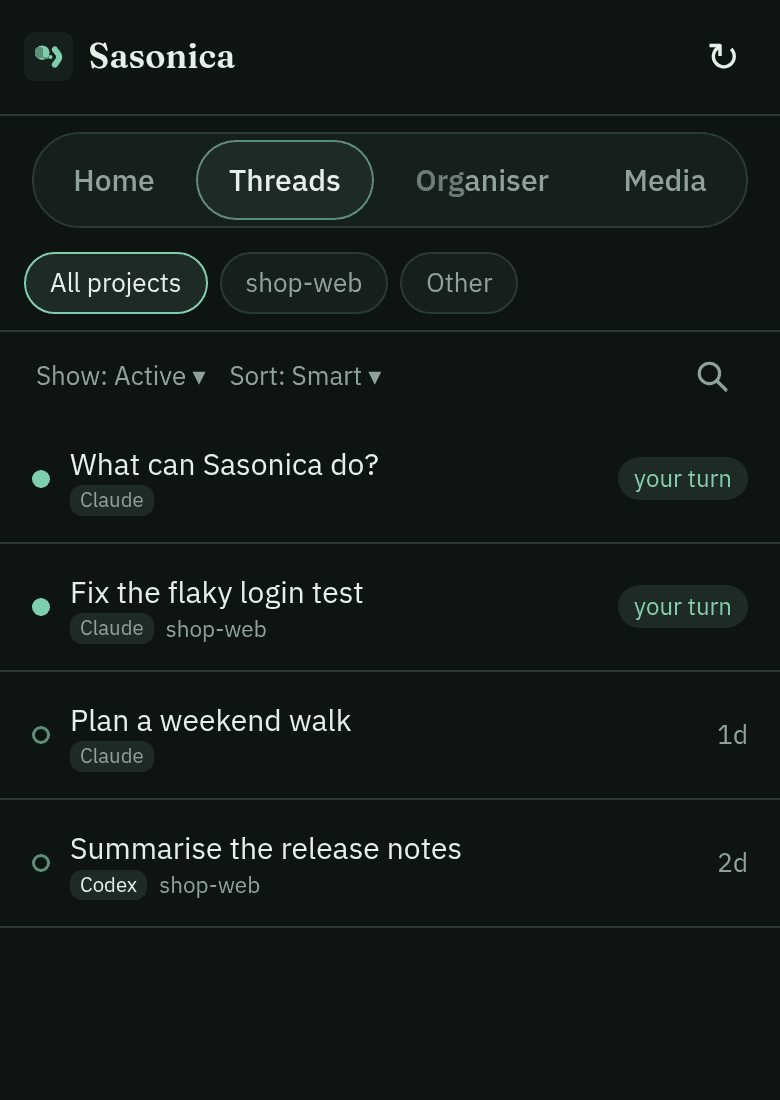
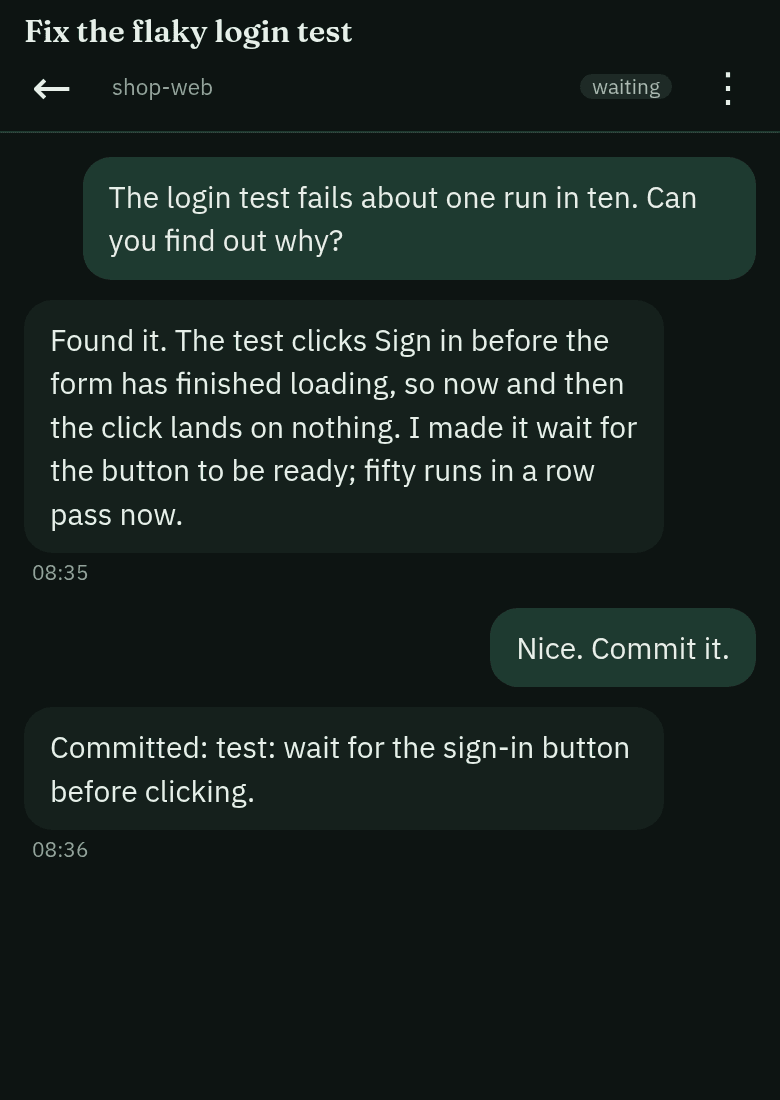
Sasonica is in early development. The app is how you talk to your agents; the server runs on your own computer and connects them.
Android app
Download the APK on your phone and open it. Android will ask you to allow installs from your browser the first time.
Download for AndroidOn a computer? Scan this with your phone's camera to download the app there.
- Version
- 0.1.0 (build 1745)
- Released
- 2 November 2026
- Size
- 8.3 MB
- SHA-256
- 8525f7393a27e0722e473ad2572270afede0bc0c0ac616941190931eabc88a82
Server
On your phone: in the app, tap Run it on this device, then paste this into Termux:
curl -fsSL https://sasonica.com/install | bashThe same line installs it on macOS (Apple silicon) and Linux; it ends with a link to pair the app. On a Mac you can download it instead:
Download for macOSOpen the zip, then double-click Install Sasonica. If macOS says it can't check it, open System Settings → Privacy & Security and choose Open Anyway.
On Windows (Intel or AMD, or Windows 11 on ARM), the server pairs with the app as on a Mac or Linux. On every computer the installer offers Sasonica Shell at its end (optional, needs a free Sasonica account).
Download for WindowsIf your browser says the .cmd file could be harmful, choose Keep. Double-click Sasonica-Setup. If Windows says it protected your PC, choose More info → Run anyway. Or, in PowerShell:
irm https://sasonica.com/install.ps1 | iexFor Claude chats, Claude Code must already be installed and signed in on that computer (setup guide). Open a new terminal after the install for the sasonica command.
The server is open source: agent-media on GitHub.
New to Sasonica? Get started walks you from install to your first conversation. Stuck? See Help.